
Pest control scheduling on one board: look the customer up, move them, done.
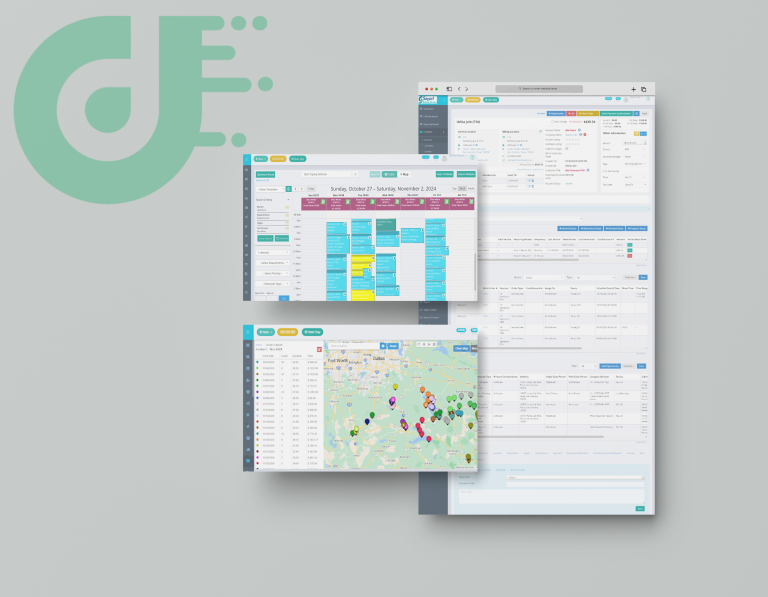
Dispatch is the calendar view inside Dream, and it is where a customer service rep works all day. Find the customer, drag the job onto another technician, and that technician gets an email or SMS about it.
What the customer is doing meanwhile
Your customers want service today, and they are on the phone now
Somebody calls about their home or office and wants a technician today. What happens next decides how that call feels: a rep who can see the day and move a job, or a rep who promises to check and call back.
Behind them a reassignment usually costs three phone calls. One to the office, one to the technician losing the job, one to the technician getting it. The customer waits through all three.
How Dream handles it
The board reads the same schedule the technicians are working
Dispatch is one screen inside Dream, sitting alongside service setup, the technician mobile app and the back-office workflow. There is no separate scheduling system to reconcile, because the board is reading the live record.
Managers get color codes based on the status of the job, so the day is readable at a glance rather than by interrogation.Before the board
Recurring service puts the jobs there without anyone keying them in
Frequency, cadence and customer preference become work orders. Recurring service generates them automatically. That is service setup, and it runs before dispatch has a thing to move.
Each work order already carries what the technician will read: client address, time, duration, urgency and service rates. Nothing is retyped at the point of assignment.
The board shows what service setup generated, so the service program gets configured first. Once a technician has the job, the chemicals, devices, stations and cages are handled in the mobile app.
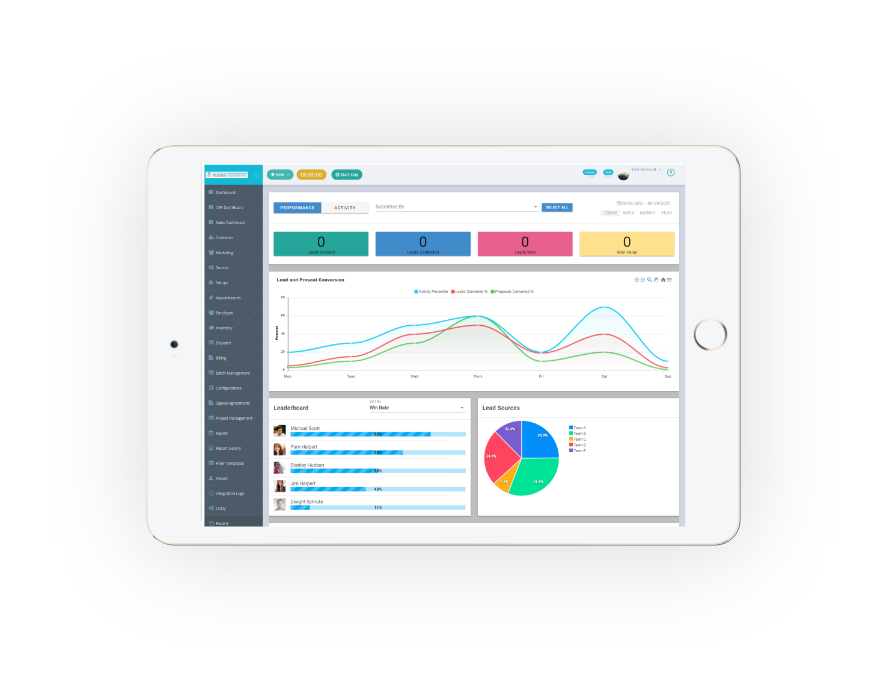
Look them up, move them
Drag the pending work order onto an available technician
The call comes in and the customer is on the calendar. Drag and drop pending work orders onto your team and save time while you grow the business. Assignment goes on availability, skillset and job location, and you can pull up the nearest technician to a job site instead of guessing which truck is close.
When a client wants service today, lock the technician’s schedule so the assigned team member reaches the job site at the given time and the customer gets the experience they called for. Unassigned work orders can be sent out to any team member based on their schedule rather than sitting until someone notices.Tell the technician
Assigned jobs notify by email or SMS, with the work order attached
Nobody rings round the trucks to check the change went through. The technician gets the notification on assignment, opens the work order, and knows the address, the appointment length and how urgent it is before pulling out.
Managing an entire team makes the scheduling tool a business decision. Filter technicians by branch or department and schedule to an available team member in a few clicks, so a multi-branch operation does not turn into one enormous list.John C., VP Office Operations, verified G2 review
TRUSTED BY LEADERS ACROSS THE INDUSTRY