
Visual Route Manager: cut routes on the map and fit the new job into the week
Plan the fastest routes and save hours each day. Dream tests a new customer against every technician's week before you promise a date, runs the whole month in bulk for least drive time, and lets a manager cut routes on a map the way they cut territory.
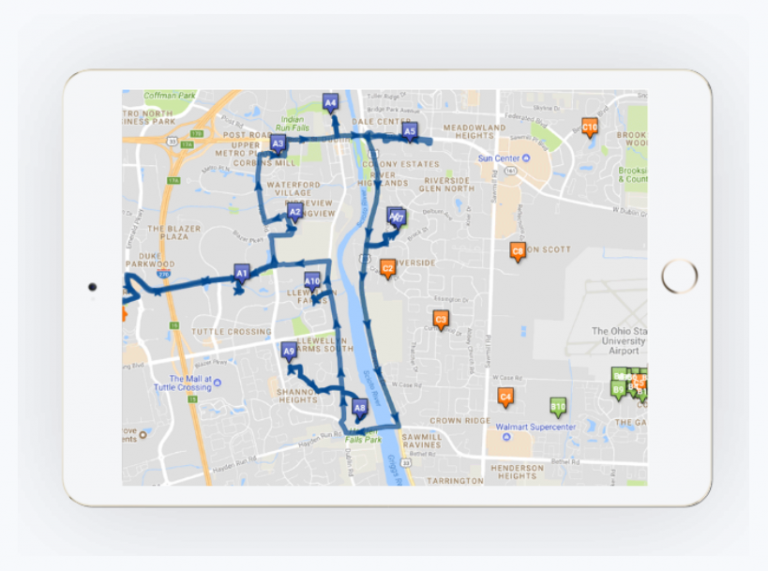
What a route plan is up against
A route plan survives until the first customer calls
Route planning has to weigh vehicle capacity constraints, travel time and transportation costs, and scheduling has to weigh workloads and workforce availability. Getting that right by hand takes a planner most of a day.
Then the month starts. Someone books, someone cancels, a technician calls in sick, a branch shifts. Every one of those changes what the plan costs, and most offices find out afterwards.
How Dream handles it
Routing works off the same record that carries the sale and the invoice
Routing runs off the same customer record the sale was written on and the invoice will be posted against. It decides who goes where, and when.
Nothing is re-keyed between the sale and the route.
Plan and price
Run the whole month at once, then price the next call against it
Route Optimizer takes the whole month in a single run. It handles eight hundred technicians at two hundred work orders each, a hundred and sixty thousand jobs, organized for least drive time while honoring every customer constraint.
Then a customer calls and someone has to say where they go. Best Fit tests that job against every technician's week, reshuffles, and reports the added drive time for each option. Thirty minutes of manual work, done in about thirty seconds.
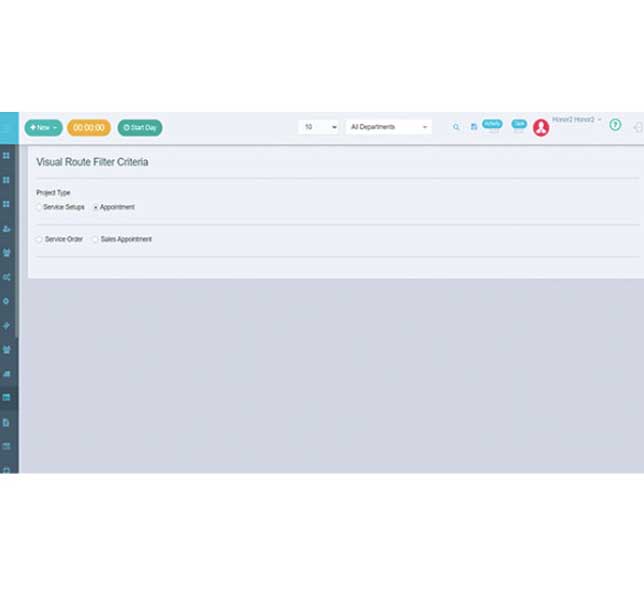
Cut the map
Cut routes on a map the way you cut territory
Visual route management lets a manager draw routes directly on the map, read production value off them, and move people around when a branch shifts. Geo-fencing draws a virtual perimeter around a real geographic area, so a route boundary matches a boundary the business already recognizes.
Schedule jobs manually or by minimum route optimization. The optimizer is there on every run without being mandatory on any of them, and quick changes to the route map take seconds.
See it all in one place
Every scheduled job in one place, on a list or on the map
The visual route map gives you three flows in one view: create project service setups, service orders and sales appointments without leaving it. An easy interface puts every scheduled job in one place, and you can view all of that data filtered to the project you searched for.
You can see the same jobs on the map view with pins. Click a pin to open the job details, and reassign the job from the options on that same pin. A reassignment made on the map reflects in the technician's mobile app out on the route, and after the day closes you can see how the technician completed the assigned jobs against the suggested route.
John C., VP Office Operations, verified G2 review
TRUSTED BY LEADERS ACROSS THE INDUSTRY